
 Image 1 of 3
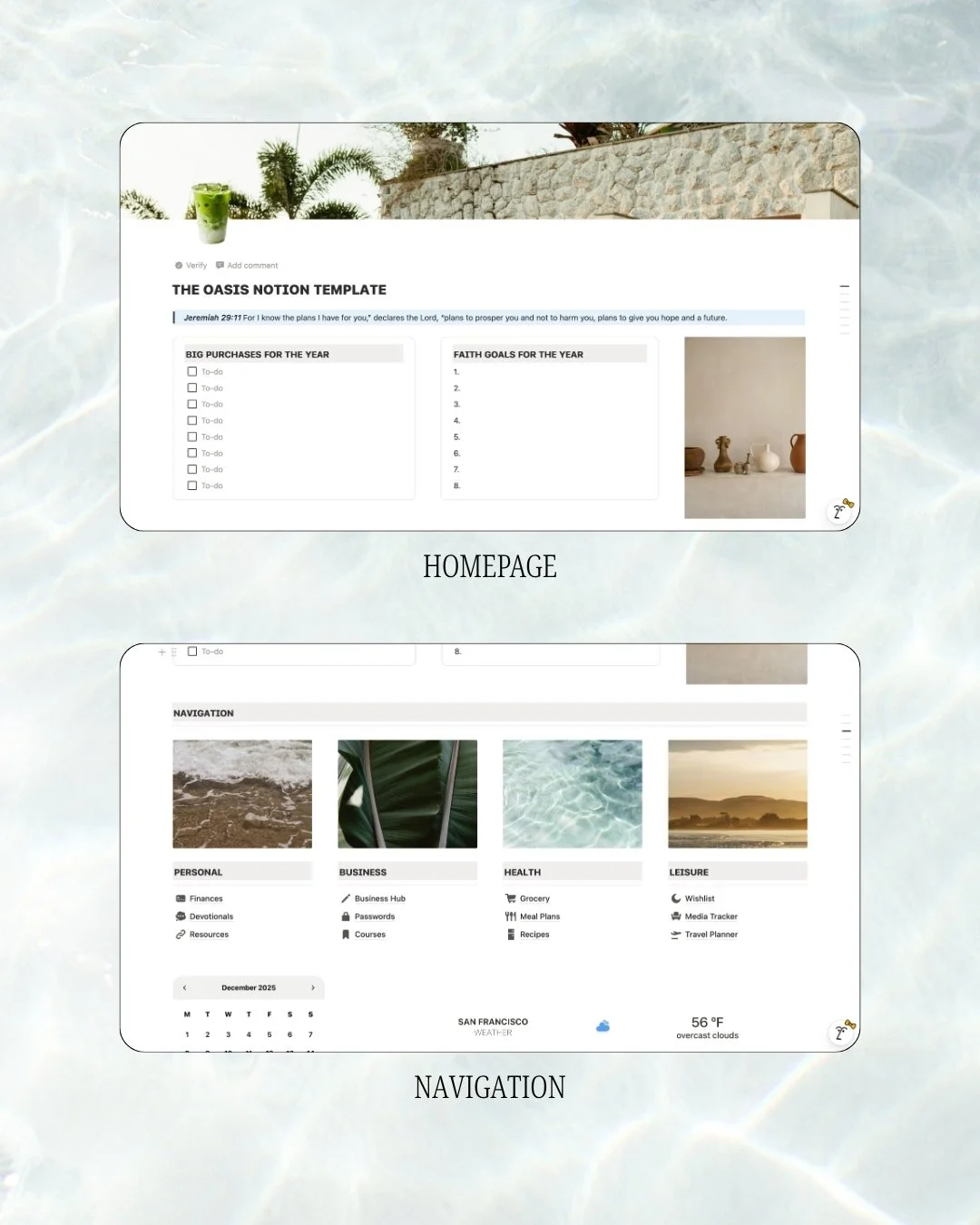 Image 2 of 3
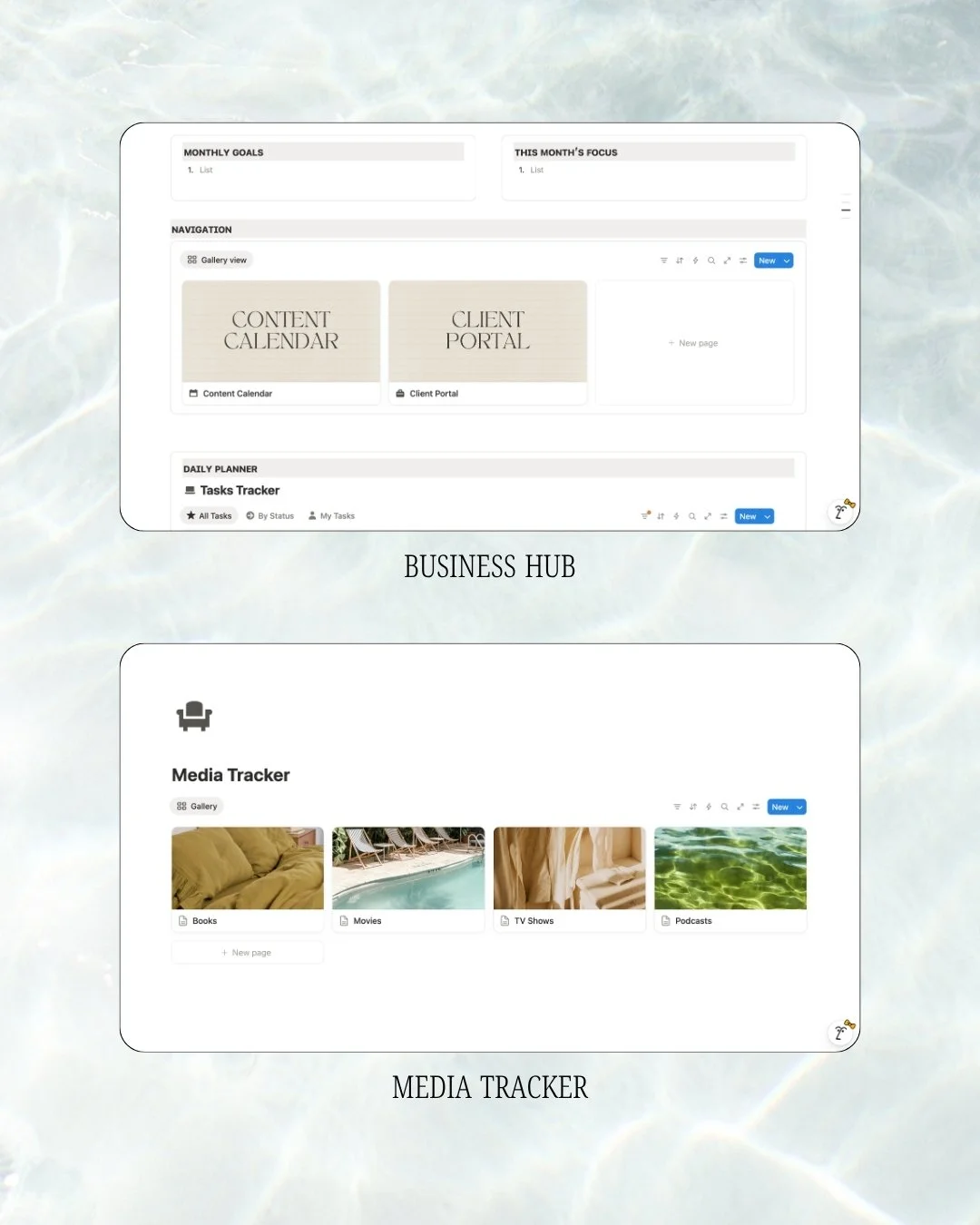 Image 3 of 3
Frequently Asked Questions
-
Absolutely! Oasis works perfectly with Notion's Free plan, so you can start using it right away without paying for a subscription.
As your workspace grows and you add more pages, databases, files, or content over time, you may eventually reach the limits of the Free plan and choose to upgrade. You can explore Notion's pricing plans to see which option best fits your needs.
-
Oasis is designed to help you organize both your life and business in one place. Inside, you'll find:
Finance Tracker (Income & Expenses)
Journaling & Devotionals
Business Hub for projects and planning
Password Manager
Course & Learning Tracker
Grocery Lists & Meal Planner
Recipe Organizer
Wishlist
Media Tracker (Books, Movies & TV Shows)
Travel Planner
Everything is connected so you can spend less time organizing and more time doing.
-
Yes! Whether you're completely new to Notion or have been using it for years, Oasis is designed to be intuitive and easy to navigate.
-
Absolutely. Think of Oasis as your starting point. You can edit pages, add new sections, change layouts, or remove anything you don't need to make it truly yours.
-
Yes! Any future improvements or updates to the template will be available to existing customers at no additional cost.
-
Yes! Since Notion syncs across devices, you can access your workspace on your computer, tablet, or phone using the same Notion account.
-
I'm always happy to help! If you have questions, run into any issues, or have ideas for features you'd love to see, feel free to reach out. While I can't promise every request can be added, I'm always open to hearing your suggestions and seeing how I can help.